

This method allows you to import a text file in CSV format containing a list of emails to be imported in bulk into Power Embedded.
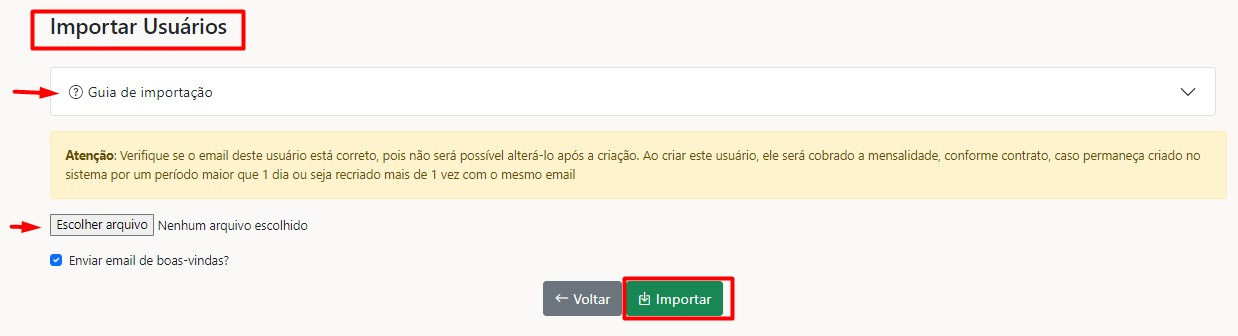
The platform supports the three layout types below:
- 2 columns: [Email, Name] (import without password);
- 3 columns: [Email, Name, Password] (import with password);
- 7 columns: [Email, Name, Password, Role, Group, Department, Company] (full import);
Notes about the CSV file to be imported:
- The file must have the ".csv" extension;
- The file must have a header on the first line, following one of the three available layouts;
- If the password field is empty, the user will be created without a password and this password can be set using the "Register" link on the login screen;
- If you are using the full import and the fields: role, group, department, or company are empty, a basic user will be created without this information and you will need to add it manually in the system;
- If you are using the full import and the Group and/or Company fields specified in the CSV do not exist in the system, they will be created automatically;
- If the user already exists in the system, they will be updated with the information from the CSV file (except for email, which cannot be changed);
- Passwords must contain non-alphanumeric characters, uppercase and lowercase letters, with a minimum of 8 characters.