

Users who have access to the report can also use the additional features available, according to the configured permissions. These features provide greater flexibility and contribute to a more complete data analysis.
Important: access to each feature depends on its respective permission. If a permission is not enabled, the corresponding feature will not be available for use, even if the user has access to the report.
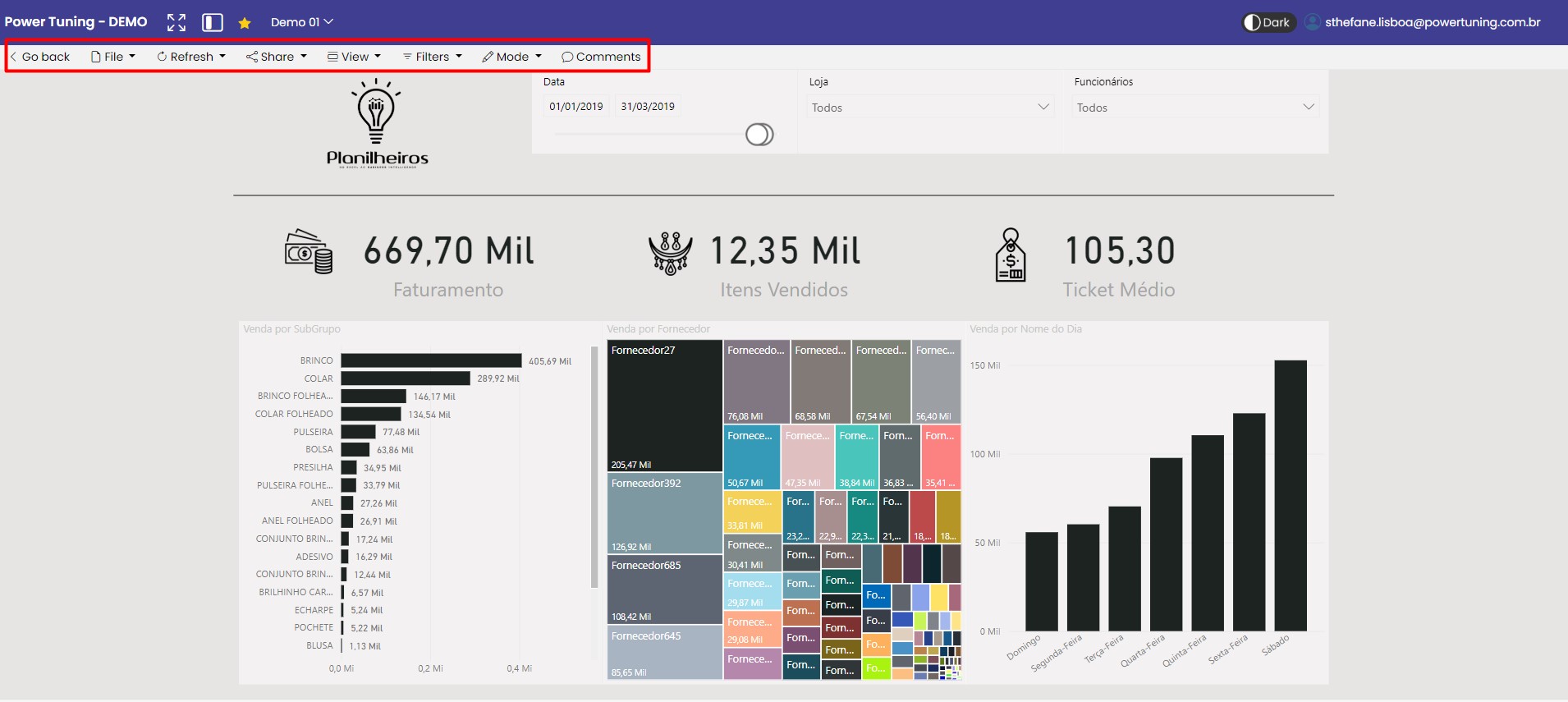
By clicking on the name of the report in the report's top navigation bar, you can access some information about the report and identify the person responsible.
Report Information
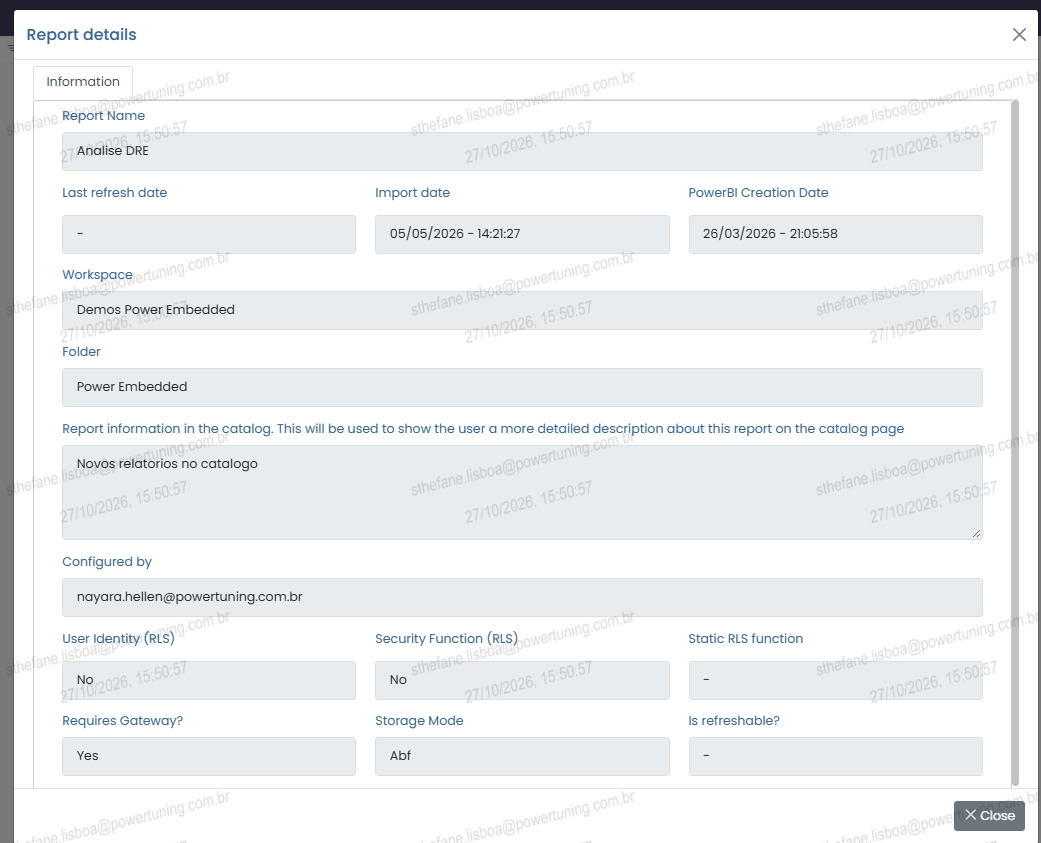
By clicking the report name, located in the top navigation bar, you can access the Report Details screen.
This screen shows relevant information about the report, such as its name, update and import dates, workspace, folder, RLS settings, storage mode, and other technical details.
You can also identify who is responsible for configuring the report through the “Configured by” field.
Tip: use this option to quickly check the report’s settings and technical information without having to access the Administration Portal.