> For the complete documentation index, see [llms.txt](https://docs.powerembedded.com.br/llms.txt). Markdown versions of documentation pages are available by appending `.md` to page URLs; this page is available as [Markdown](https://docs.powerembedded.com.br/en/main-features/firewall.md).
# Firewall
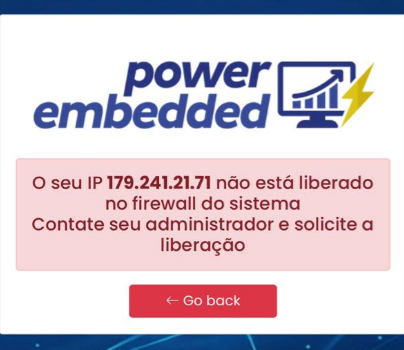
This feature allows you to restrict access to the portal to a certain IP range.
This is very useful when you need to ensure that users only access data from a specific location, such as the company's own IP address.
To activate this functionality, access the Administration Portal, go to settings and enable the “Enable firewall rules” option.
Once the feature is enabled, simply go to the Firewall menu and enter the IP or IP ranges allowed.
.png?alt=media)